From ad click to report, step by step
What happens to a click inside Trackscales, and how a result finds its way back to the right campaign.
What happens on a Google Ads click
Visitor clicks the ad
Google calls go.trackscales.com/gclick with offer_id and redirect_url
Check and record
Offer and destination domain checked, click saved with a unique ID
One redirect
HTTP 302 to the exact redirect_url
Redirect rules
redirect_urlredirect_urlInvalid requests
| Request | Response |
|---|---|
Valid /gclick | 302 to redirect_url |
No redirect_url | 400 |
| Domain not allowed | 400 |
/ and /?redirect_url= | 404 |
| Any other path | 404 |
No fallback pages. Invalid requests are never sent to a backup page or default offer.
From link to report
Create the offer
Our team adds the campaign with its advertiser, landing page and allowed domains.
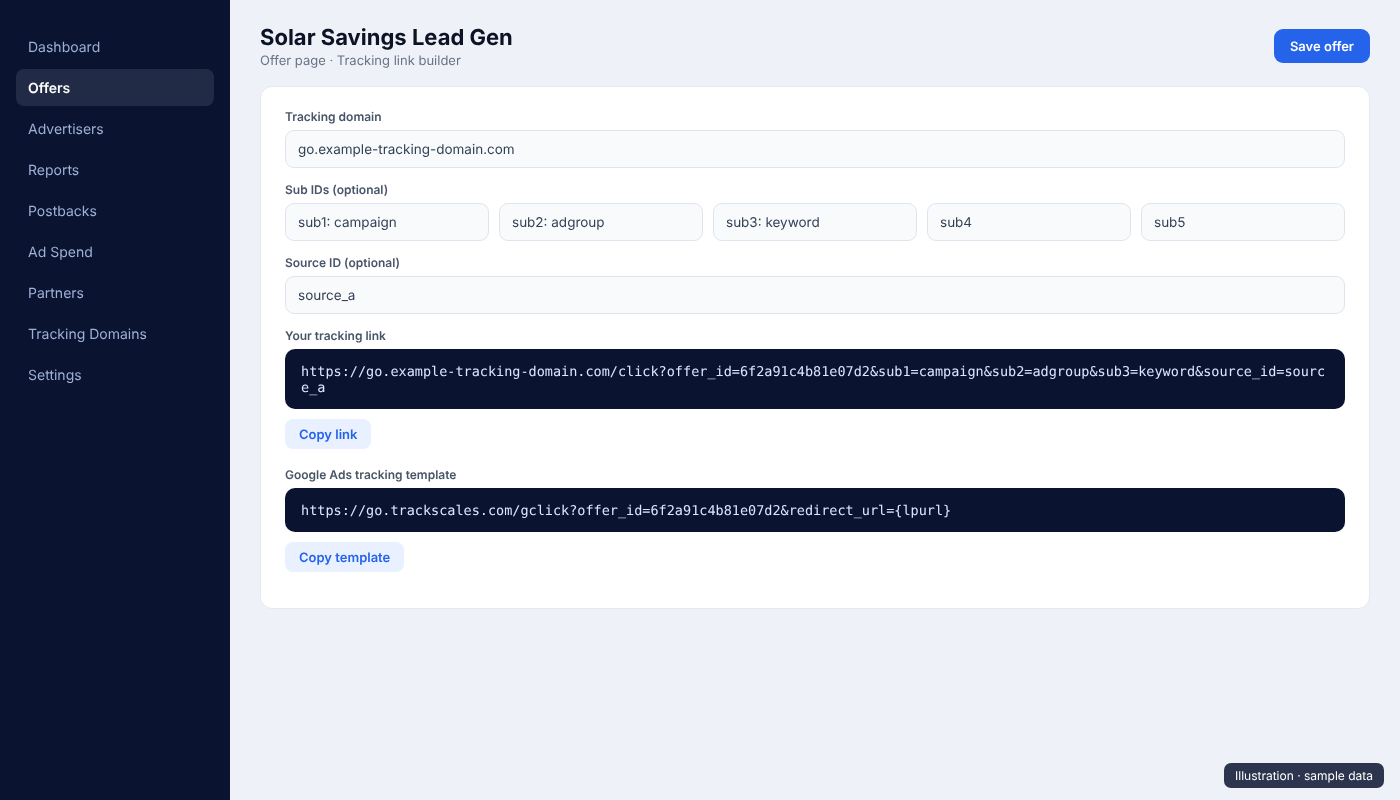
Set the tracking template
The Google Ads template with the offer ID goes on the campaign. The final URL is the advertiser's landing page.
Set the postback
The advertiser or network gets our postback setup, so results come back with the click ID.
Clicks are recorded
Each click appears in the click log and click ID report within seconds.
Results are matched
Each postback is matched to its click. Duplicates are rejected; repeat conversions wait for approval if the offer is set to manual approval.
Decisions
Clicks, conversions, revenue and spend per offer and day show which campaigns to grow and which to stop.
When another tracker is in the flow
If the landing link belongs to an advertiser's or network's tracker, we only use it in Google Ads when that tracker is itself certified by Google and uses its own visible transparency parameter. Each step only redirects to the URL in its own parameter, and the final page matches the ad's final URL domain. Full details are in the docs.
Need technical details?
We are happy to answer any question about how our tracker works.